
Summary
✓Reviewed by Emma ThompsonWhen a professional Counter-Strike 2 or VALORANT squad walks onto a tournament stage, they sit down at machines they did not build, running configurations they did not choose. The biggest hardware differences between esports team PCs and...
Table of contents
- 1 What Are the Biggest Hardware Differences Between Esports Team PCs and Tournament Stage PCs
- 2 CPU and GPU: Why Tournament Stage PCs Overshoot Game Requirements
- 3 RAM and Storage Differences Between Team Practice and Stage Hardware
- 4 Monitor Standardisation: The Most Visible Hardware Difference
- 5 Network Architecture: Wired LAN vs Practice Flexibility
- 6 Peripherals: What Players Bring vs What the Stage Provides
- 7 Reliability Engineering: Cooling, Power, and Redundancy on Stage
- 8 Software Image and System Control: The Invisible Hardware Gap
- 9 Side-by-Side Comparison: Team Practice PC vs Tournament Stage PC in 2026
- 10 How Tournament Organisers Have Evolved Their Hardware Standards
- 11 Official Tournament PC Specifications by Event (2025-2026)
- 12 What This Means for Competitive Integrity in Singapore’s Esports Scene
- 13 Frequently Asked Questions
- 13.1 Do esports players use their own PCs at tournaments?
- 13.2 Why are tournament stage PCs more powerful than the games require?
- 13.3 What monitor refresh rate do tournament stage PCs use?
- 13.4 Can players choose their monitor at a tournament?
- 13.5 Do teams try to replicate tournament hardware for practice?
- 13.6 Why do tournaments use wired Ethernet instead of Wi-Fi?
- 14 Key Takeaways
- 15 Sources
When a professional Counter-Strike 2 or VALORANT squad walks onto a tournament stage, they sit down at machines they did not build, running configurations they did not choose. The biggest hardware differences between esports team PCs and tournament stage PCs come down to standardisation, reliability engineering, and environmental control rather than raw specifications alone. According to Riot Games’ engineering blog, the company’s Worlds stage setup historically used a locked Alienware Aurora with an Intel Core i7-9700K, 16 GB DDR4-3200, an RTX 2070, and a 512 GB NVMe SSD paired with a 240 Hz monitor, a configuration chosen for consistency across every player station rather than maximum benchmark performance.
What Are the Biggest Hardware Differences Between Esports Team PCs and Tournament Stage PCs
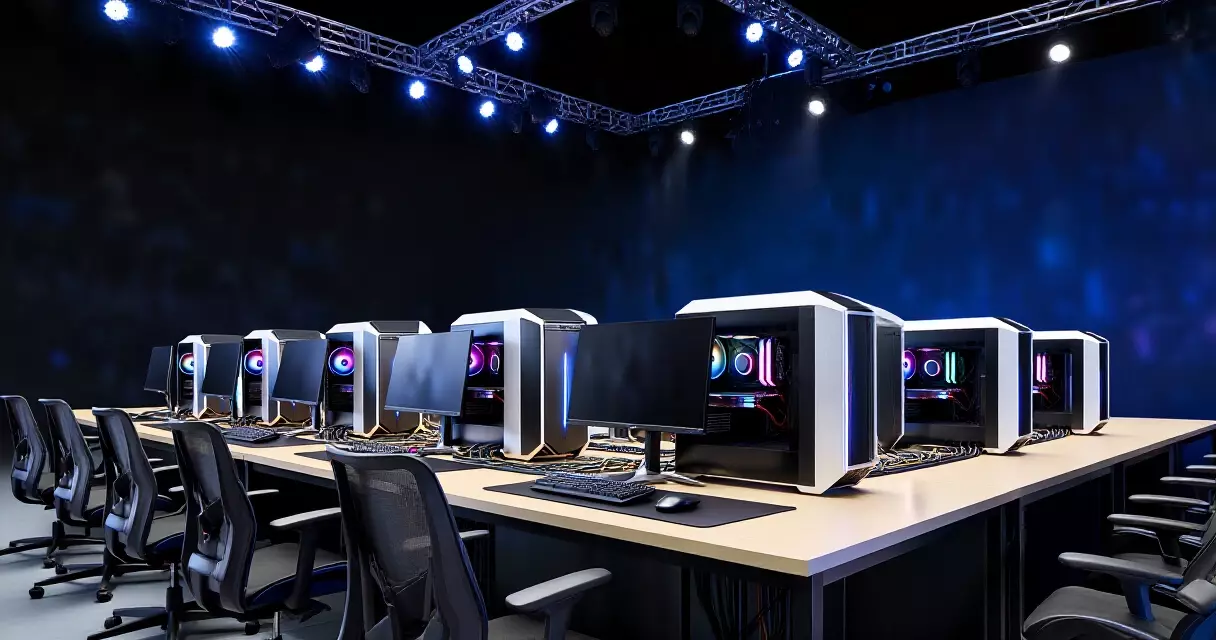
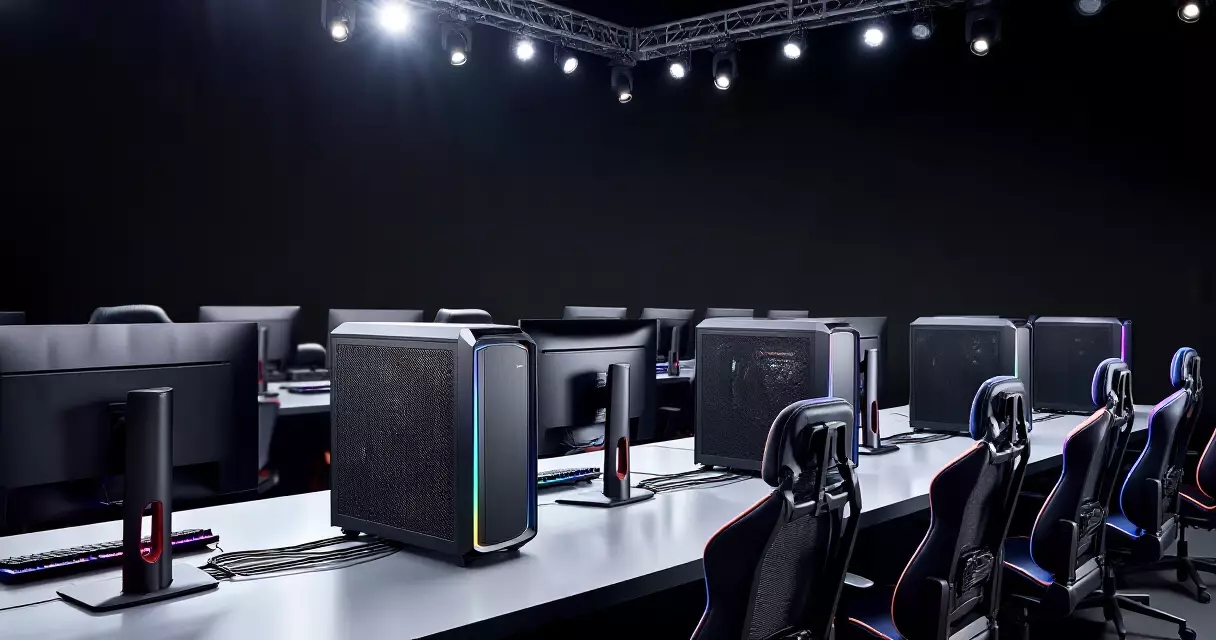
The core distinction is purpose. A team practice PC is built for a single player’s workflow: gaming, replay review, streaming, and communication tools running simultaneously. A tournament stage PC is built for competitive fairness, meaning every machine at every station must perform identically under controlled conditions. That difference shapes every component decision, from the CPU and GPU to the network interface and storage drive.
According to ESL FACEIT Group’s 2025 announcement, the official Intel Extreme Masters tournament PC is the Acer Predator Orion 7000, powered by an Intel Core Ultra 9 285K with support for up to an NVIDIA GeForce RTX 5090 and up to 128 GB of DDR5 memory. That level of headroom is not about running Counter-Strike 2 at higher settings; it is about guaranteeing zero thermal throttling, zero frame drops, and zero hardware variance across a multi-day LAN event.
CPU and GPU: Why Tournament Stage PCs Overshoot Game Requirements
Most competitive esports titles are not graphically demanding. According to PCGamesN’s 2026 system requirements listing, League of Legends recommends only an Intel Core i5-8250 or AMD Ryzen 3 1200 with an NVIDIA GeForce 560 or AMD Radeon HD 6950. Yet Riot’s official hardware partner HP lists the OMEN 35L for League of Legends Esports and VALORANT Champions Tour with an AMD Ryzen 7 9800X3D and an RTX 5070 Ti 16 GB, according to HP’s product page.
The gap exists because tournament organisers need thermal headroom. A CPU running at 30 percent utilisation will not throttle, even under stage lighting in a venue with variable air conditioning. A GPU well above the game’s minimum ensures that frame rates stay locked at the monitor’s refresh rate with zero dips, even if a background anti-cheat process spikes briefly. Practice PCs, by contrast, can be tuned to a player’s budget and preference. Some professionals run flagship hardware at home; others use midrange builds because the game itself does not need more.
RAM and Storage Differences Between Team Practice and Stage Hardware
RAM tells one of the clearest stories about how these two environments have diverged and then converged. Riot’s published Worlds stage setup used 16 GB DDR4-3200, which was standard for a competitive-only machine in 2019. By 2026, official esports-branded builds from both iBUYPOWER and HP have moved to 32 GB DDR5-5600 or DDR5-6000, reflecting the fact that modern competitive workflows involve more than just the game client.
Practice PCs run Discord, browser-based VOD review tools, streaming software, and game launchers alongside the title itself. That multi-application workload makes 32 GB practical rather than excessive. Tournament stage PCs, however, run a stripped-down software image with minimal background processes, meaning they could technically operate on less RAM. Organisers spec higher RAM anyway to eliminate any risk of memory pressure during extended matches.
Storage has shifted similarly. The 512 GB NVMe SSD in Riot’s earlier stage configuration was sufficient for a single game install on a locked image. Current official partner builds, such as the iBUYPOWER VCT Americas system, ship with 2 TB Kingston M.2 NVMe SSDs. Practice environments need space for multiple game installs, replay files, screen captures, and frequent patch downloads. Tournament images, while smaller in scope, are increasingly built on 1 TB or larger drives to accommodate anti-cheat software, tournament clients, and backup partitions.
Monitor Standardisation: The Most Visible Hardware Difference
At home or in a team facility, players choose their own monitors. Preferences vary: some favour 24-inch 360 Hz panels for maximum responsiveness; others use 27-inch 240 Hz displays for a slightly larger field of view. On a tournament stage, every player uses the same monitor model, size, refresh rate, and response time. Riot’s documented stage setup specifies an Alienware 25-inch monitor at 1080p, 240 Hz, with a 1 ms response time.
This standardisation eliminates an entire class of competitive variable. If one player had a 360 Hz panel while another had 144 Hz, the difference in input-to-display latency could measurably affect reaction-dependent scenarios like peeking a corner in VALORANT or flick-shotting in CS2. Tournament rules from ESL and Riot treat the monitor as part of the competitive specification, not a peripheral players can swap. Coverage of the Esports World Cup 2026 schedule shows how major events coordinate hardware across hundreds of player stations simultaneously.
Tournament stage PCs are not about giving players the fastest hardware available; they are about giving every player the exact same hardware, down to the monitor panel and firmware version.
Network Architecture: Wired LAN vs Practice Flexibility
Networking is arguably the most significant hardware difference between esports team PCs and tournament stage PCs, yet it receives the least attention from casual observers. Stage PCs connect via wired Ethernet on dedicated VLANs, isolated from venue Wi-Fi, broadcast traffic, and spectator devices. According to tournament rules documented by Open Source Sports, Counter-Strike 2 events run by ESL FACEIT Group require gaming PCs to meet tournament specifications including wired connectivity.
Practice environments are less controlled. Team facilities often use high-quality wired connections, but boot camps, hotel setups, and player home environments may rely on Wi-Fi 6 or Wi-Fi 6E. A PCSpecialist ESL-branded practice PC, for example, includes Wi-Fi 6 hardware as a standard feature, something that would be irrelevant on a stage machine. The difference matters because Wi-Fi introduces jitter and occasional packet loss that would be unacceptable in a tournament setting where a single dropped packet during a clutch round could alter the outcome.
Peripherals: What Players Bring vs What the Stage Provides
Tournament organisers draw a clear line between the PC itself and player-owned peripherals. Players typically bring their own mouse and keyboard to events, subject to rules. ESL FACEIT Group’s Counter-Strike 2 ruleset specifies that mice must be wired or tournament-approved wireless models, and keyboards must not contain programmable macro functionality beyond standard key remapping.
At home, players use whatever peripherals they prefer with no restrictions. This creates a subtle hardware difference: the practice PC is optimised for a specific peripheral ecosystem, with USB polling rates, mouse DPI profiles, and keyboard firmware tuned to that player’s muscle memory. The tournament PC must accommodate any approved peripheral plugged in minutes before a match, which is why stage machines typically feature multiple USB 3.0 and USB-C ports with up-to-date controller firmware. The way professional esports organisations manage these equipment logistics has become increasingly sophisticated, as detailed in reporting on roster and operational management trends across the industry.
Reliability Engineering: Cooling, Power, and Redundancy on Stage
A practice PC that crashes once a week is an annoyance. A stage PC that crashes during a broadcast match is a competitive integrity crisis. This reality drives tournament organisers toward reliability features that most team practice rigs do not prioritise.
Riot’s documented stage setup included liquid cooling and an 850 W power supply for a system drawing well under half that wattage. The overprovisioned PSU provides clean, stable power with significant headroom, reducing the risk of transient voltage issues under stage conditions where dozens of machines share venue electrical circuits. Liquid cooling keeps temperatures low and consistent regardless of ambient heat from stage lighting and packed venues.
Practice PCs, even those in well-equipped team facilities, rarely feature the same level of power and thermal overprovisioning. Air cooling is common, PSU wattage is matched more closely to actual draw, and there is no need for the kind of redundancy planning that a tournament environment demands.
Software Image and System Control: The Invisible Hardware Gap
While not a hardware specification in the traditional sense, the software image running on tournament PCs shapes how the hardware behaves. Stage machines run locked Windows installations with only the game client, anti-cheat software, the tournament administration client, and essential drivers. Background telemetry, Windows Update, and non-essential services are disabled. This produces lower system latency and more predictable frame pacing than a typical practice PC running a full consumer Windows installation with dozens of startup applications.
Practice PCs, even in professional team environments, run full consumer operating systems. Players install personal software, streaming tools, communication platforms, and browser extensions. The hardware may be identical to a stage machine on paper, but the software environment means it behaves differently under load. Understanding this distinction is important context for coverage of esports hardware requirements for tournament play more broadly.
Side-by-Side Comparison: Team Practice PC vs Tournament Stage PC in 2026
| Component | Typical Team Practice PC (2026) | Tournament Stage PC (2026) |
|---|---|---|
| CPU | Varies: Ryzen 5 7600 to Ryzen 7 9800X3D | Standardised: e.g. Core Ultra 9 285K (IEM) or Ryzen 7 9800X3D (VCT) |
| GPU | Ranges from RX 7600 to RTX 5070 Ti | High-end standardised: RTX 5070 Ti to RTX 5090 |
| RAM | 16 GB to 32 GB DDR5 | 32 GB to 128 GB DDR5 |
| Storage | 512 GB to 2 TB NVMe SSD | 1 TB to 2 TB NVMe SSD (locked image) |
| Monitor | Player choice: 24-27 inch, 144-360 Hz | Standardised: 24-25 inch, 240 Hz+, 1 ms |
| Network | Wired or Wi-Fi 6/6E | Wired Ethernet, dedicated VLAN |
| Cooling | Air or AIO liquid | Liquid cooling, overprovisioned |
| PSU | Matched to draw (550-750 W typical) | Overprovisioned (850 W+ for stability) |
| Peripherals | Player’s personal setup, no restrictions | Player-owned mouse/keyboard, rule-approved |
| Software | Full consumer OS, multiple applications | Locked image, minimal processes |
How Tournament Organisers Have Evolved Their Hardware Standards
Tournament PC hardware has undergone a notable evolution over the past several years. Riot’s 2019 Worlds stage configuration used a 9th-generation Intel Core i7 with 16 GB DDR4 and an RTX 2070. By 2025, ESL FACEIT Group moved to an Intel Core Ultra 9 285K with DDR5 support and RTX 5090 capability. That represents a generational leap not just in raw performance but in platform architecture, moving from DDR4 to DDR5, from PCIe Gen 3 to Gen 5, and from traditional desktop CPUs to Intel’s hybrid architecture.
The VCT Americas ecosystem followed a parallel path. iBUYPOWER’s earlier VCT-branded systems used Ryzen 5 7600 and Ryzen 7 7700 CPUs with DDR5 and midrange GPUs. By 2026, the official VCT Americas PC features the Ryzen 7 9800X3D with an RTX 5070 Ti and 32 GB DDR5-6000. This progression reflects both the broader hardware market’s shift and tournament organisers’ increasing willingness to invest in top-tier components to signal competitive seriousness to teams and sponsors.
The real hardware upgrade cycle at major tournaments is not about faster frame rates; it is about faster storage, more reliable cooling, and the platform-level move from DDR4 to DDR5.
Official Tournament PC Specifications by Event (2025-2026)
| Event / Ecosystem | CPU | GPU | RAM | Storage | Source |
|---|---|---|---|---|---|
| Intel Extreme Masters 2025 (ESL) | Intel Core Ultra 9 285K | Up to RTX 5090 | Up to 128 GB DDR5 | Not publicly specified | ESL FACEIT Group |
| VCT Americas 2026 (iBUYPOWER) | AMD Ryzen 7 9800X3D | RTX 5070 Ti 16 GB | 32 GB DDR5-6000 | 2 TB NVMe SSD | iBUYPOWER |
| LoL Esports / VCT 2026 (HP OMEN) | AMD Ryzen 7 9800X3D | RTX 5070 Ti 16 GB | 32 GB DDR5-5600 | 1 TB NVMe SSD | HP |
| Riot Games Worlds (historical) | Intel Core i7-9700K | RTX 2070 8 GB | 16 GB DDR4-3200 | 512 GB NVMe SSD | Riot Games |
| ESL Tournament (PCSpecialist, practice tier) | Intel Core i5-12600KF | RTX 3060 Ti 8 GB | 16 GB DDR4 | 1 TB NVMe SSD | PCSpecialist / Elkjop |
What This Means for Competitive Integrity in Singapore’s Esports Scene
Singapore has hosted several major international esports events and continues to grow as a regional hub. When a tournament takes place at venues like the Singapore Indoor Stadium, the hardware standardisation described above becomes a logistical operation: sourcing identical machines, configuring locked images, setting up dedicated network infrastructure, and ensuring thermal management in a tropical climate where venue cooling must counteract both ambient heat and stage lighting. Coverage of how ESL FACEIT Group runs esports event production and broadcast illustrates the scale of this logistical challenge at the international level.
For local teams practising in Singapore, the climate also affects hardware choices. Higher ambient temperatures make cooling solutions more important, and teams investing in proper practice facilities often install air-conditioned server rooms or at minimum ensure consistent room temperatures for their gaming stations. The gap between a well-equipped team facility and a tournament stage narrows when the team invests in standardised hardware, but the software control, network isolation, and redundancy measures remain features that only event organisers implement.
Frequently Asked Questions
Do esports players use their own PCs at tournaments?
No. Tournament organisers provide standardised PCs at every player station. Players bring their own mouse and keyboard, subject to event rules, but the PC, monitor, and network connection are supplied and configured by the organiser to ensure competitive fairness.
Why are tournament stage PCs more powerful than the games require?
The extra performance headroom prevents thermal throttling, frame drops, and hardware variance during long broadcast matches. A CPU running well below its thermal limit in a hot venue will behave identically to every other CPU on stage, which is the primary goal.
What monitor refresh rate do tournament stage PCs use?
According to Riot Games’ documented stage setup, 240 Hz at 1080p with a 1 ms response time is the established standard. Some 2026 events have begun testing 360 Hz panels, but 240 Hz remains the baseline across most major organisers.
Can players choose their monitor at a tournament?
Generally no. The monitor is considered part of the tournament’s competitive specification, similar to the PC itself. Every player uses the same model, size, and refresh rate to eliminate display-related competitive variance.
Do teams try to replicate tournament hardware for practice?
Some well-funded organisations purchase the same monitor model and match key specifications. However, replicating the locked software image, dedicated VLAN networking, and reliability engineering of a tournament environment is impractical for daily practice.
Why do tournaments use wired Ethernet instead of Wi-Fi?
Wired Ethernet on a dedicated VLAN eliminates the jitter and packet loss that Wi-Fi can introduce, especially in venues with thousands of spectator devices generating radio interference. A single dropped packet during a clutch round could alter a match outcome, making wired connectivity non-negotiable at the competitive level.
Key Takeaways
The biggest hardware differences between esports team PCs and tournament stage PCs centre on standardisation, reliability, and environmental control. Tournament machines feature identical components across every station, overprovisioned cooling and power delivery, wired-only networking on isolated VLANs, and locked software images stripped of non-essential processes. Team practice PCs, by contrast, are personalised, run full consumer operating systems, and vary widely in specification from midrange to flagship. As the competitive ecosystem matures through 2026, the gap in raw component specs has narrowed, with official partner builds now reaching stage-level hardware. But the operational differences in software control, network architecture, and reliability engineering remain the true dividing line between a practice rig and a tournament-ready machine.
Sources
- Riot Games: Engineering Esports — The Tech That Powers Worlds — retrieved September 12, 2026
- ESL FACEIT Group: Acer Predator Orion 7000 Named Official 2025 IEM Tournament PC — retrieved September 12, 2026
- HP OMEN 35L: Official PC of League of Legends Esports and VCT — retrieved September 12, 2026
- iBUYPOWER: Official PC of VALORANT Champions Tour Americas — retrieved September 12, 2026
- PCGamesN: League of Legends System Requirements 2026 — retrieved September 12, 2026
- Open Source Sports: Counter-Strike 2 (Valve / ESL FACEIT Group) Rules — retrieved September 12, 2026