
Summary
✓Reviewed by Emma Thompson When professional esports players step onto the tournament stage, milliseconds separate winners from eliminated competitors. Understanding what gaming PC hardware upgrades matter most for esports tournament performance has become a serious competitive concern — organizations like...
Table of contents
- 1 Why Hardware Matters Differently in Esports Than Casual Gaming
- 2 The Monitor: The Single Most Impactful Upgrade for Tournament Play
- 2.1 Response Time and Panel Technology
- 2.2 Resolution and Field of View Tradeoffs
- 3 CPU: Single-Core Performance Drives Esports Frame Rates
- 4 GPU: Sufficient, Not Maximal — The Esports Paradox
- 5 RAM: Speed and Latency Configuration for Competitive Advantage
- 6 Storage: NVMe for Load Times, Not for In-Game Performance
- 7 Peripherals: The Often-Overlooked Hardware Layer
- 8 Cooling and System Stability: The Silent Tournament Differentiator
- 9 Frequently Asked Questions
- 9.1 Does a higher-end GPU help in esports if I am already above 240 fps?
- 9.2 Is 32 GB of RAM necessary for competitive play?
- 9.3 What is NVIDIA Reflex and why do esports players enable it?
- 9.4 Does monitor size matter for tournament performance?
- 9.5 How much does storage speed affect esports competitive performance?
- 9.6 Should I upgrade my CPU or GPU first for esports?
- 10 Key Takeaways
- 11 Sources
When professional esports players step onto the tournament stage, milliseconds separate winners from eliminated competitors. Understanding what gaming PC hardware upgrades matter most for esports tournament performance has become a serious competitive concern — organizations like Team Liquid, Cloud9, and 100 Thieves invest heavily in specifying the exact rigs their players use at events like the Esports World Cup and VCT Champions. According to Intel’s esports performance documentation, display refresh rate and input latency remain the most frequently cited hardware factors by competitive players surveyed in 2025.
Why Hardware Matters Differently in Esports Than Casual Gaming
Casual gaming prioritizes visual fidelity — high resolutions, ray tracing, elaborate texture packs. Competitive esports flips those priorities entirely. Tournament play in titles like CS2, VALORANT, and League of Legends demands frames-per-second consistency and end-to-end input latency reduction above all else. A GPU rendering 400 fps in CS2 at 1080p low settings provides a meaningfully different experience than one rendering 120 fps at 4K ultra — and every top-tier professional chooses the former. The NVIDIA Reflex latency analyzer has demonstrated repeatedly that the full system latency chain — from peripheral input to pixel on screen — is what competitive players should optimize, not any single component in isolation.
The Monitor: The Single Most Impactful Upgrade for Tournament Play
If you are asking what gaming PC hardware upgrades matter most for esports tournament performance and you can only make one change, upgrade the monitor first. The jump from 144 Hz to 240 Hz is perceptible to trained players; the jump to 360 Hz provides additional benefit in the fastest-reaction titles. According to NVIDIA’s Reflex platform documentation, a 360 Hz display reduces the time between a frame being rendered and that frame reaching the player’s eyes — a gap that compounds with every other source of latency in the system. Panels like the ASUS ROG Swift Pro PG248QP and BenQ ZOWIE XL2566K are standard equipment at major CS2 and VALORANT events as of August 2026.
Response Time and Panel Technology
TN panels dominated professional esports for years due to sub-1ms response times. In 2025 and 2026, IPS panels with Fast IPS technology have closed the gap significantly — ASUS and BenQ now offer IPS panels with 0.5ms GTG response times. Most VCT and CS2 Major venues supply IPS displays at 360 Hz. The color accuracy benefit of IPS has not meaningfully affected competitive outcomes, but the lack of ghosting in fast motion scenes has made Fast IPS the new standard for higher-tier tournaments.
Resolution and Field of View Tradeoffs
Professional CS2 players overwhelmingly use 1920×1080 (1080p) at stretched or native aspect ratios — a deliberate choice to maximize frame rates and reduce GPU workload. VALORANT professionals split more evenly between 1080p and 1440p, since VALORANT’s engine is more GPU-efficient. Running 1080p at 360 Hz on a mid-range GPU produces consistently higher frame counts than running 1440p at 240 Hz, and higher frames reduce the probability of frame-time spikes that can disrupt aim tracking during long spray patterns.
CPU: Single-Core Performance Drives Esports Frame Rates
Major esports titles are predominantly single-threaded in their game-logic and rendering dispatch, which means raw clock speed and single-core instruction-per-clock (IPC) performance matter far more than core count. As of mid-2026, the Intel Core i9-14900KS and Intel Core Ultra 9 285K lead competitive benchmarks in CS2 and VALORANT at 1080p low settings — the exact configuration used in tournament environments. AMD’s Ryzen 9 9950X competes closely in VALORANT due to Zen 5’s improved IPC, but Intel’s platform has historically produced marginally lower 1% low frame times in CS2 specifically, according to AnandTech’s 2025 esports CPU benchmark series.
For players competing in PGL CS2 Major events or regional VCT qualifiers, the tournament organizer often specifies standardized hardware — but players who practice on matched hardware at home gain consistency in muscle memory and reaction timing calibrated to those exact frame-time profiles.
GPU: Sufficient, Not Maximal — The Esports Paradox
GPU selection for esports presents a counterintuitive finding: the most expensive GPU available is rarely the optimal choice. At 1080p low settings in CS2, an NVIDIA GeForce RTX 4070 Super and an RTX 4090 produce nearly identical frame rates because the CPU dispatching frames to the GPU becomes the limiting factor first. The RTX 4070 Ti Super represents the practical ceiling for most esports applications — beyond that GPU tier, diminishing returns are steep. Where the GPU does matter significantly is in enabling NVIDIA Reflex + Boost mode, which requires a compatible NVIDIA or AMD GPU to activate the full latency reduction pipeline.
AMD’s RX 7900 GRE and RX 7900 XTX support AMD’s Anti-Lag+ technology, which provides a similar system-level latency reduction to NVIDIA Reflex in supported titles. VALORANT added Anti-Lag+ support in its 2025 engine update, giving AMD GPU users a competitive latency path without switching to NVIDIA hardware. Understanding how CS2 meta decisions interact with GPU driver configurations has become part of pro-level preparation.
RAM: Speed and Latency Configuration for Competitive Advantage
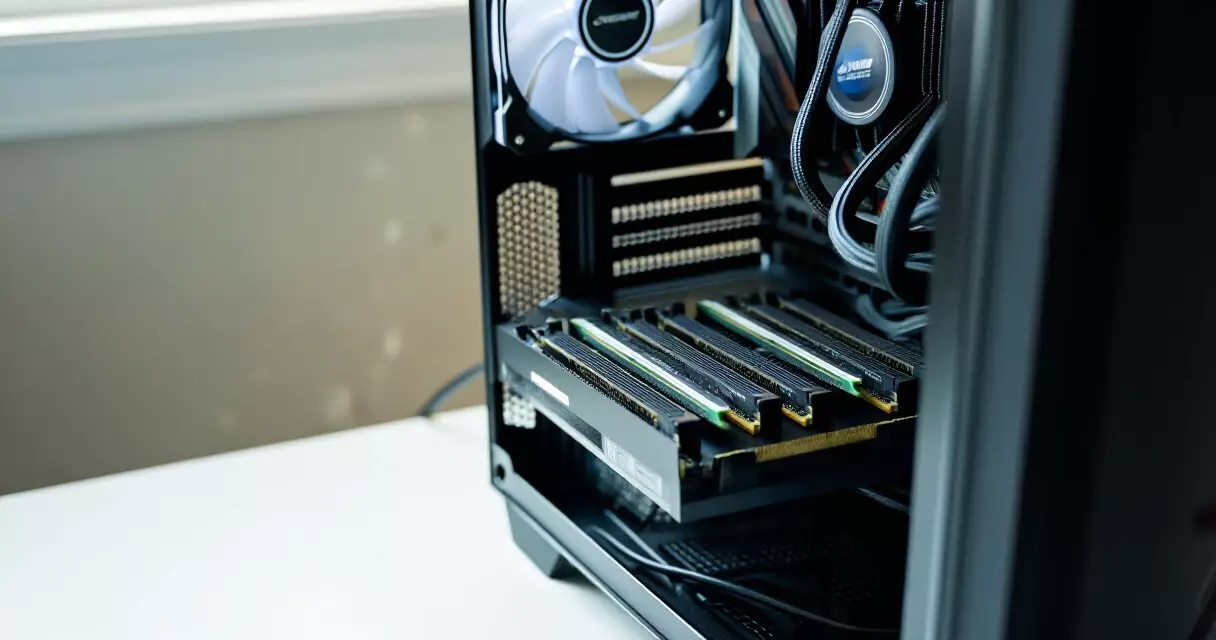
DDR5 has become the default platform for new competitive builds in 2025–2026. According to AMD’s Ryzen platform guides, the sweet spot for esports performance on Zen 5 platforms is DDR5-6000 with tight CL30 timings — beyond that frequency, the memory controller’s overhead begins to offset bandwidth gains. On Intel platforms, DDR5-6400 with XMP 3.0 profiles performs similarly. Running 32 GB (2×16 GB dual-channel) is the current standard for tournament rigs, since 16 GB can produce memory pressure in modern VALORANT sessions with background capture software running simultaneously.
Storage: NVMe for Load Times, Not for In-Game Performance
NVMe SSDs do not improve in-game frame rates or latency in esports titles — once a game is loaded into RAM, storage speed is irrelevant to moment-to-moment performance. However, NVMe drives matter for tournament preparation: faster map loads, quicker client patches before a match, and reduced reconnection time after a technical disconnect. At events like the Esports World Cup 2026 in Riyadh, technical issues during map loads have cost teams restart privileges under ruleset time limits. A Samsung 990 Pro or WD Black SN850X provides adequate sequential read speeds (exceeding 7,000 MB/s) that have become the event-organizer standard in 2025–2026 tournament specifications.
Peripherals: The Often-Overlooked Hardware Layer
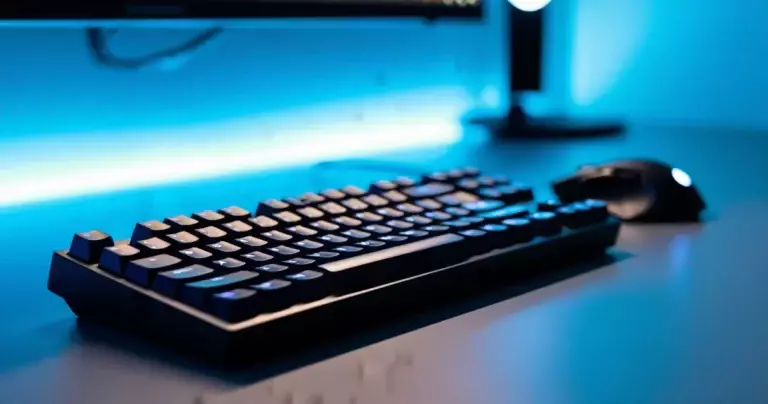
Polling rate on mice and keyboards represents a frequently overlooked dimension of what gaming PC hardware upgrades matter most for esports tournament performance. Standard USB mice poll at 125 Hz or 1000 Hz — meaning they report position to the PC 1,000 times per second at best. Razer’s DeathAdder V3 HyperSpeed and Logitech’s G Pro X Superlight 2 DEX now support 4,000 Hz and 8,000 Hz polling respectively. According to RTINGS.com’s peripheral testing methodology, 8,000 Hz polling reduces the gap between physical mouse movement and cursor response, though the gains are most perceptible at very low in-game sensitivities common among pro aimers.
| Hardware Component | Casual Gaming Priority | Esports Tournament Priority | Recommended Spec (2026) |
|---|---|---|---|
| Monitor | 4K resolution, HDR | 360 Hz refresh, 0.5ms response | BenQ ZOWIE XL2566K or ASUS ROG Swift Pro PG248QP |
| CPU | Multi-core rendering | Single-core IPC + clock speed | Intel Core Ultra 9 285K or AMD Ryzen 9 9950X |
| GPU | Max VRAM, ray tracing | NVIDIA Reflex or AMD Anti-Lag+ support | RTX 4070 Ti Super or RX 7900 GRE |
| RAM | 16 GB DDR4 | 32 GB DDR5-6000 dual-channel | Corsair Dominator Titanium or G.Skill Trident Z5 |
| Storage | 1 TB HDD + SATA SSD | Fast load, reliable for patch installs | Samsung 990 Pro 2 TB NVMe |
| Mouse | 1000 Hz polling, optical | 4000–8000 Hz polling, low lift-off distance | Logitech G Pro X Superlight 2 DEX |
Cooling and System Stability: The Silent Tournament Differentiator
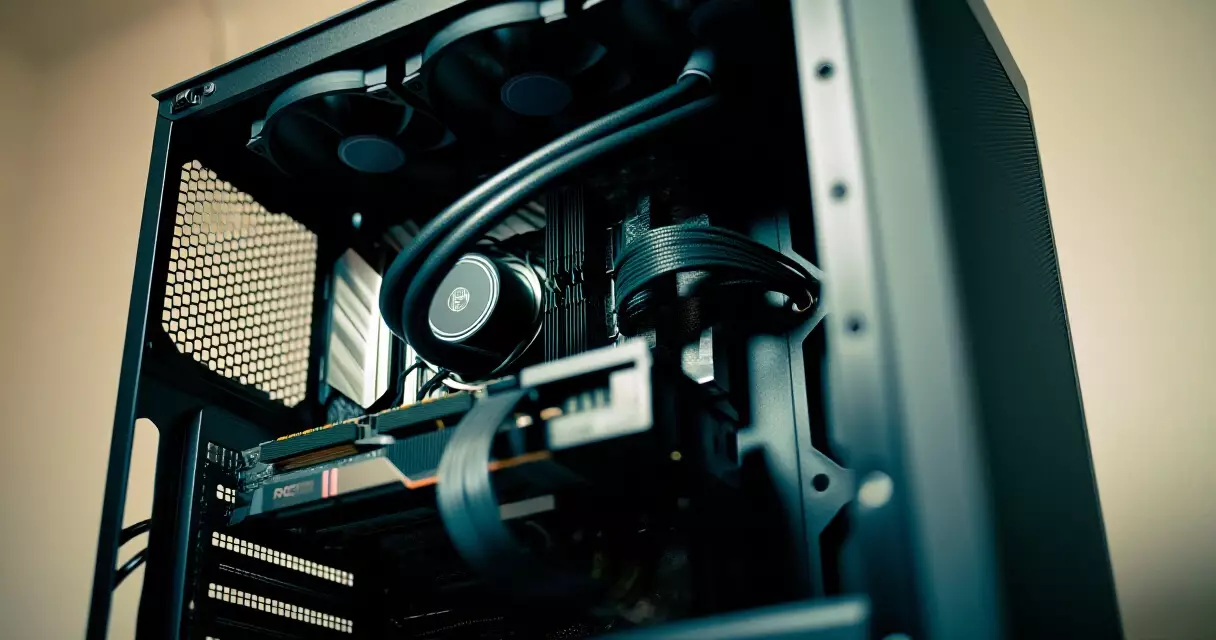
Thermal throttling during extended tournament sets can reduce CPU clock speeds mid-match — a performance drop that happens silently and is nearly impossible to diagnose in real time. A 360mm AIO liquid cooler (such as the NZXT Kraken Elite 360 or Corsair H150i Elite LCD) maintains sustained all-core boost clocks across multi-hour sessions without the thermal rollback that compromises a 240mm AIO or basic air cooler under sustained gaming workloads. Case airflow matters equally: tournament venues often run at elevated ambient temperatures due to crowds and stage lighting, which degrades cooling headroom. Positive air pressure configurations with dust filters prevent the gradual thermal degradation that builds over a multi-day event.
| Upgrade Path | Estimated Competitive Impact | Best For |
|---|---|---|
| 144 Hz → 360 Hz monitor | High — directly reduces perceived input lag | CS2, VALORANT, Apex Legends pros |
| DDR4 → DDR5-6000 | Medium — reduces 1% low frame dips | All titles on new Intel/AMD platforms |
| Core i5 → Core i9 (same gen) | Medium-High — eliminates CPU bottleneck | CPU-bound titles at 1080p low |
| 240mm → 360mm AIO cooler | Medium — prevents thermal throttle in long sets | Multi-day tournaments, warm venues |
| RTX 4070 → RTX 4070 Ti Super | Low-Medium — headroom for Reflex + Boost | Players already exceeding 240 fps reliably |
| 1000 Hz → 8000 Hz mouse polling | Low-Medium — perceptible at low sensitivity | Aimers using 400–800 DPI configurations |
Frequently Asked Questions
Does a higher-end GPU help in esports if I am already above 240 fps?
Not significantly, if your current GPU keeps you consistently above your monitor’s refresh rate. The primary GPU-related benefit at that point is enabling NVIDIA Reflex + Boost or AMD Anti-Lag+, which actively reduce system latency beyond what frame rate alone achieves. Spending money on a GPU upgrade when the CPU is the bottleneck produces no competitive gain.
Is 32 GB of RAM necessary for competitive play?
For pure in-game performance, 16 GB DDR5 is sufficient in most esports titles. The argument for 32 GB is practical: modern tournament setups run capture software, Discord, a browser, and the game simultaneously. Memory pressure from background processes can cause micro-stutters that 32 GB eliminates entirely. Most professional rig specifications from organizations such as Team Liquid and Sentinels have standardized on 32 GB as of 2025.
What is NVIDIA Reflex and why do esports players enable it?
NVIDIA Reflex is a latency-reduction pipeline that aligns the CPU rendering queue with the GPU rendering cycle, preventing frames from stacking in the render queue and adding unnecessary latency. According to NVIDIA’s Reflex documentation, it can reduce system latency by up to 58% in supported titles including VALORANT and Fortnite. Virtually every competitive player in those titles enables Reflex + Boost mode.
Does monitor size matter for tournament performance?
Monitor size affects field-of-view perception and eye tracking speed. Most professional CS2 and VALORANT players use 24–25 inch displays at 1080p, which keeps the full screen within natural eye movement range without requiring head movement. Larger displays at higher resolutions can require more GPU resources to maintain high frame rates, which defeats the purpose. The BenQ ZOWIE and ASUS ROG lines both center their tournament offerings around 24.5-inch form factors for this reason.
How much does storage speed affect esports competitive performance?
Storage speed has no effect on in-game performance once the game client is loaded into system RAM. Its relevance is entirely in load times: map transitions, client restarts after patches, and reconnection after disconnects. At organized tournaments with strict time limits between maps, a slow SATA SSD versus a fast NVMe can occasionally produce a timing disadvantage. For practice and solo play, a SATA SSD is functionally adequate.
Should I upgrade my CPU or GPU first for esports?
In almost all esports scenarios at 1080p low settings, upgrade the CPU first. Esports titles are single-threaded bottlenecks: the GPU sits below 80% utilization while the CPU dispatches frames as fast as it can. A strong single-core CPU (Intel Core i9 or AMD Ryzen 9 on the latest architecture) unlocks the full frame-rate potential your GPU can already deliver. After the CPU is at the current-generation high end, the monitor upgrade produces the next-largest perceptible competitive gain, as discussed in connection with the VCT Champions 2026 standardized equipment specifications.
Key Takeaways
Understanding what gaming PC hardware upgrades matter most for esports tournament performance requires thinking in terms of the full latency chain, not individual components. The monitor is the highest-impact single upgrade for any player still on 144 Hz — moving to 240 Hz or 360 Hz changes what the human visual system receives, regardless of all other hardware. The CPU determines the frame-rate ceiling and the consistency of frame delivery at esports-standard low settings. RAM speed at DDR5-6000 reduces 1% low dips. Cooling prevents performance degradation across multi-hour sets. And GPU choice matters less than GPU feature support, specifically Reflex or Anti-Lag+ compatibility. Peripheral polling rate is a final, fine-tuning layer — meaningful for players already optimized everywhere else.
Sources
- NVIDIA Reflex Low-Latency Platform — Retrieved August 26, 2026
- Intel Esports Gaming PC Performance Guide — Retrieved August 26, 2026
- AMD Ryzen Platform Memory Recommendations — Retrieved August 26, 2026
- AnandTech Esports CPU Benchmark Series 2025 — Retrieved August 26, 2026
- RTINGS.com Peripheral Testing Methodology — Retrieved August 26, 2026